Security keys and new login themes
Shortly after introducing two-factor authentication in webmail, we have two more new features: security keys for your Systemli account and unified login themes for webmail and Nextcloud/Matrix (single sign-on).
Security keys for your Systemli account
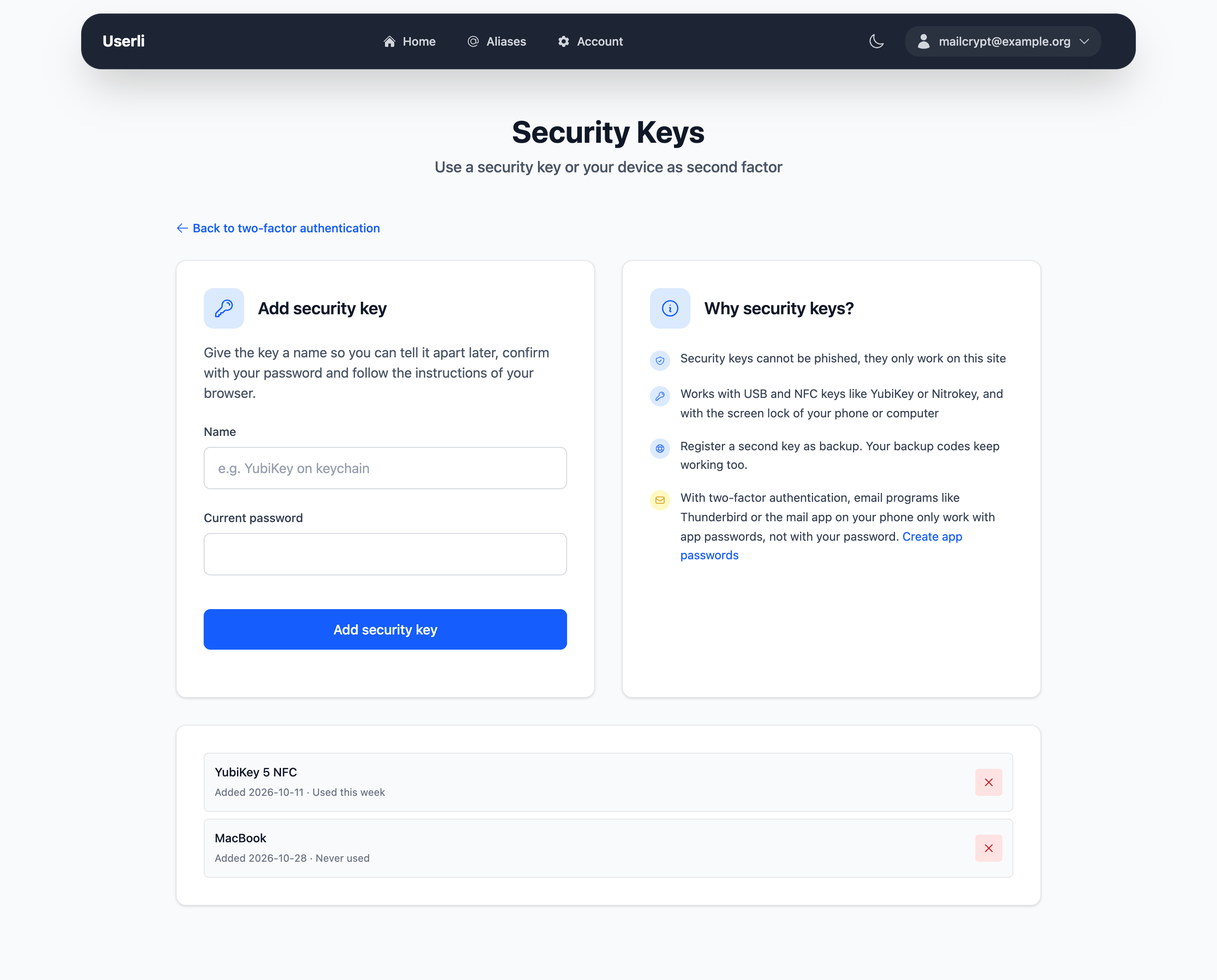
Security keys are physical devices or passkeys that serve as an additional security factor for your Systemli account. They offer strong protection against phishing and other threats, because they only work in connection with your account. They are an alternative to two-factor authentication methods such as authenticator apps (which we also offer).
You can add security keys in the account settings of your Systemli account under two-factor authentication.
New login themes for webmail and Nextcloud/Matrix
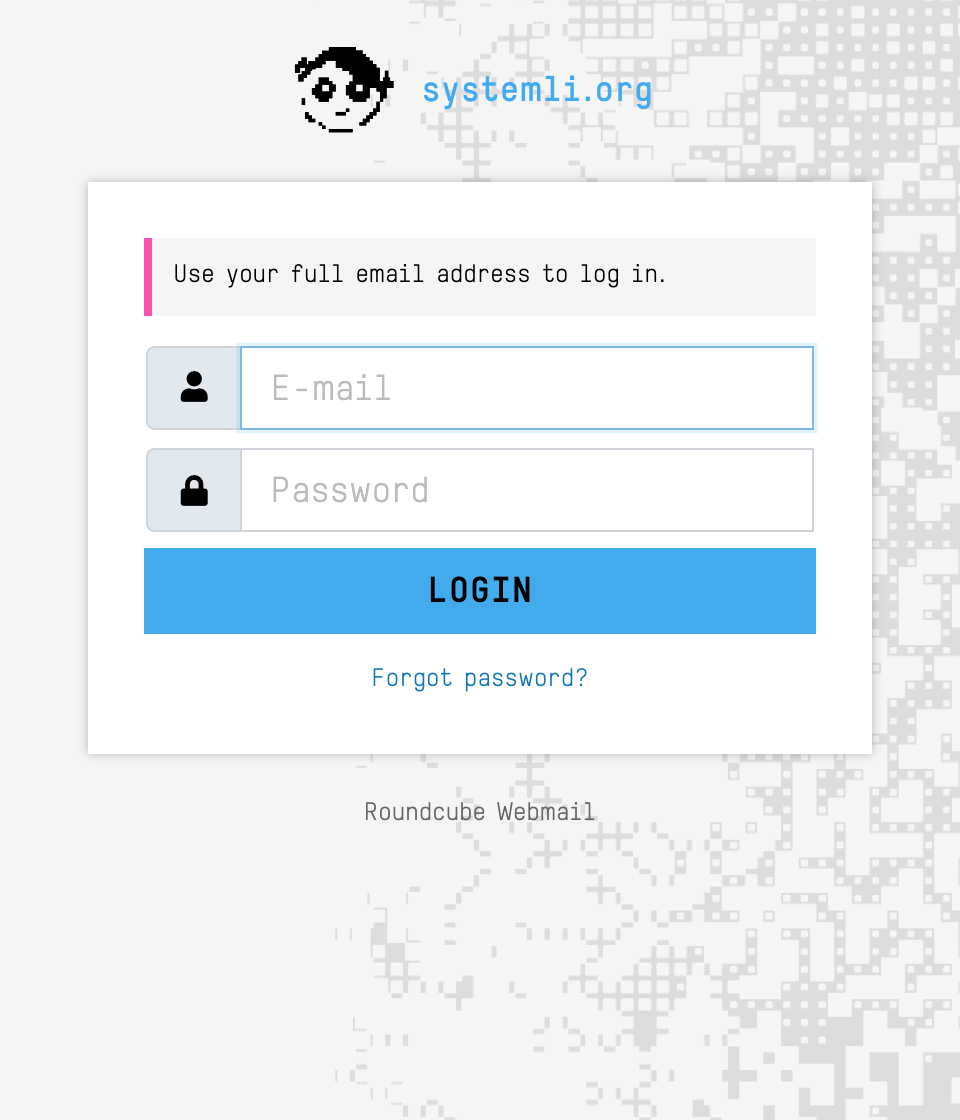
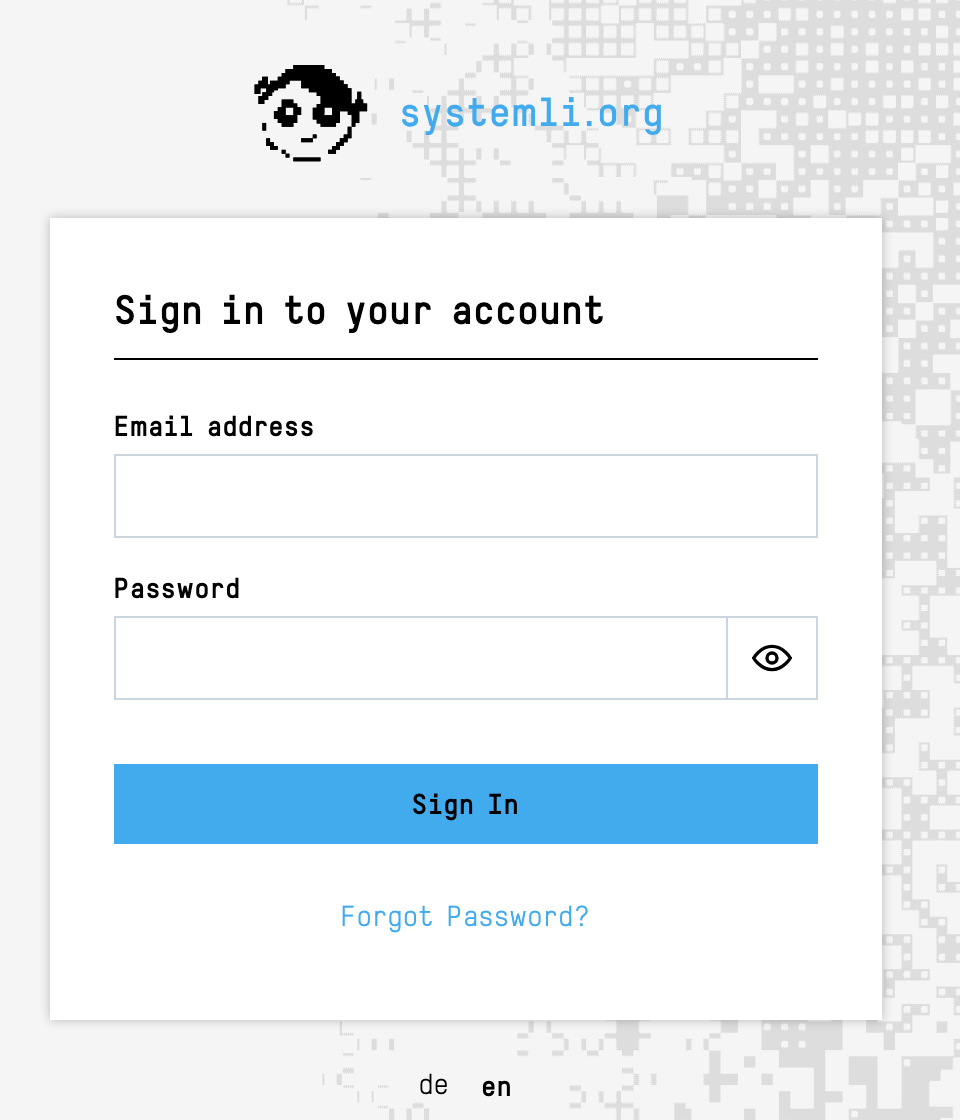
We have introduced unified login themes for webmail and Nextcloud/Matrix. This means you now get a consistent look when logging in to our services. The design fits our website’s layout better and should help you clearly recognize that it is a Systemli service.
Your security matters to us
The new security keys, as well as the introduction of app passwords for your Systemli account, significantly improve the security of your account. We recommend that all users turn on these features to protect their account as well as possible.
The software behind the user management, Userli, is open-source software developed by us. The source code is freely available and can be viewed and used on GitHub. There is also detailed documentation that explains how to run Userli yourself and adapt it to your needs.


