Two-factor protection in webmail and new app passwords
We have two new features that better protect your Systemli account: two-factor authentication (2FA) now also applies to webmail, and you can create separate app passwords for your mail programs. We also announce an upcoming change for everyone who uses 2FA.
Two-factor protection now also in webmail
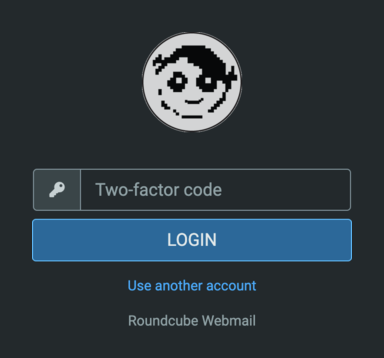
If you turned on 2FA in the user management, you will now also be asked for the code from your app when you log in to webmail. This keeps your emails safe, even if your password falls into the wrong hands.
Not using 2FA yet? Turn it on here. All you need is an authenticator app on your phone or a password manager.
App passwords for mail programs
You can now create app passwords in the user management. These are separate passwords for your mail programs, for example Thunderbird or the mail app on your phone. You enter them there instead of your regular password. An app password can’t be used to log in to the user management or to change your regular password.
This has two benefits: first, your regular password stays secret. Second, if you lose a device, you simply delete its app password, without changing your regular password. All your other devices keep working.
Coming later: app passwords with two-factor
Mail programs can’t ask for a 2FA code. So anyone who knows your password could use a mail program to get around your 2FA protection. That’s why, later on, mail programs will only work with app passwords for accounts with 2FA.
We will let you know in good time before we make this change. If you use 2FA, it’s best to set up your mail programs with app passwords now.